FortiGate Firewall Compliance Audit Tool: Beyond CIS with Policy X-Ray
A FortiGate firewall compliance audit tool will tell you whether you configured the box the way CIS and NIST recommend. It will not tell you whether the rule that looks fully inspected is actually inspecting anything. That second question is where most real risk hides.
The Profile Was Bound, the Traffic Was Encrypted
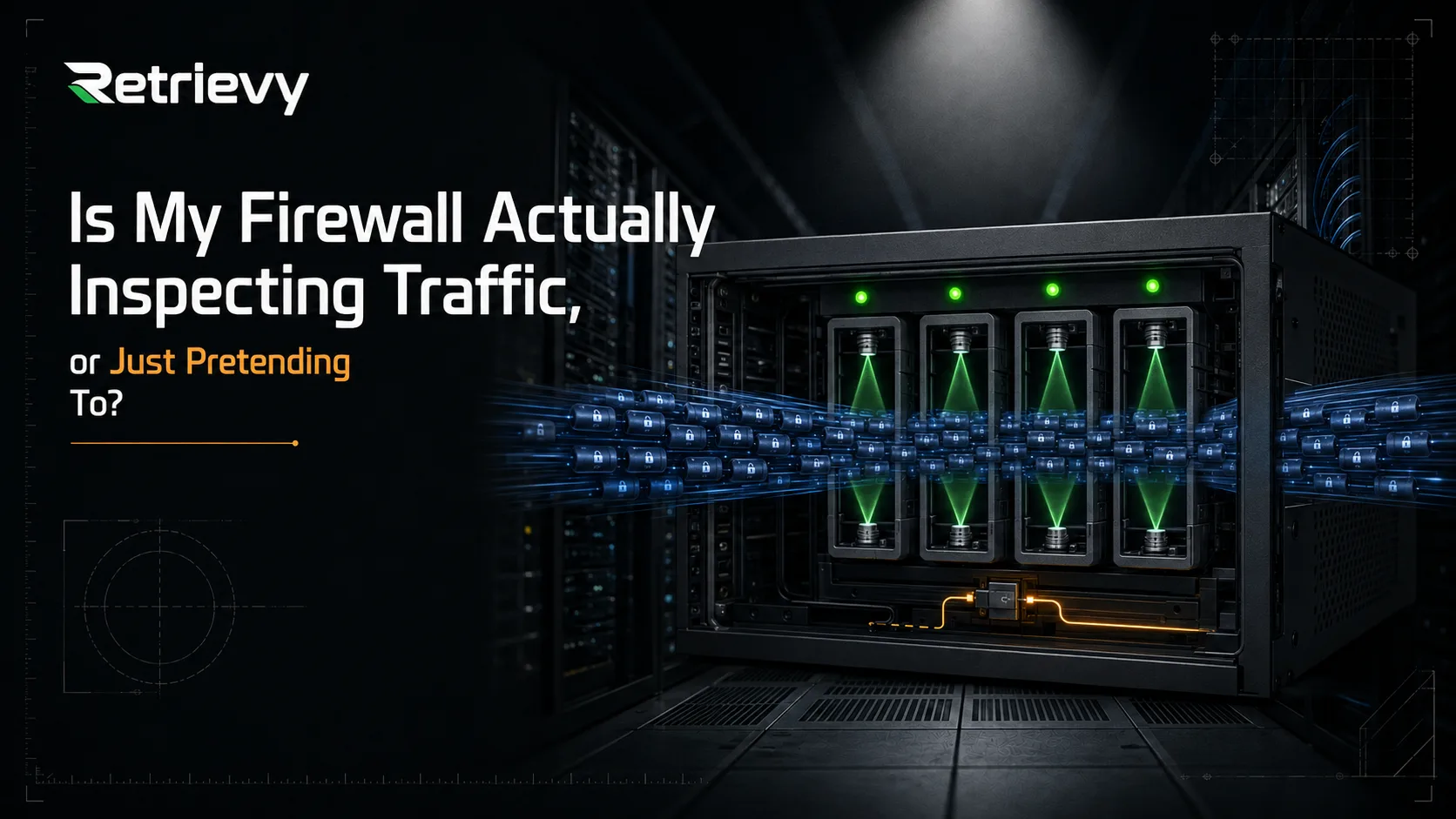
The morning after a real incident, the question that ends up on the whiteboard is rarely "did the audit pass." It is "how did this get through a firewall that was scoring 96% on CIS last week?"
The answer, more often than not, is the same. A policy carried an antivirus profile. It carried an IPS profile. It carried a web filter. Every box the compliance scanner looks for was ticked. And the traffic was encrypted, and the SSL inspection profile on that rule was set to certificate-only, which means none of those deep inspection engines ever saw a packet of payload. The configuration was correct. The inspection was not happening.
A FortiGate firewall compliance audit tool, by design, is built to find the first kind of gap. It is not built to find the second.
What Every FortiGate Firewall Compliance Audit Tool Should Do
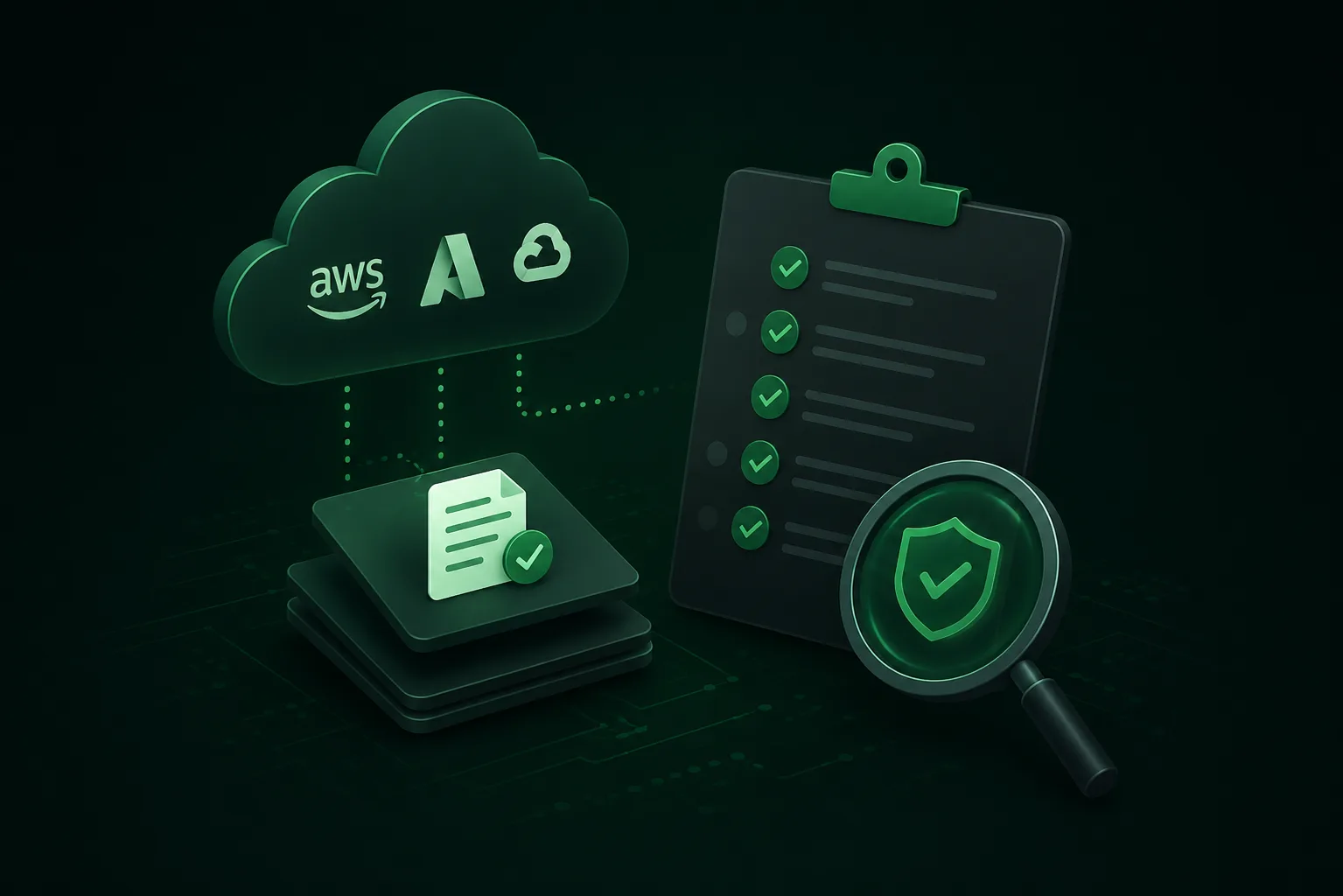
The basics of the category are not controversial. A FortiGate firewall compliance audit tool should connect to the device with read-only credentials, never write ones. It should pull the full running configuration on a schedule, store snapshots, and diff them. It should map what it finds against the frameworks your auditor actually asks about, which today means at least CIS Controls and the CIS FortiGate Benchmark, plus NIST CSF, ISO 27001, and PCI DSS where applicable. It should give you one report per device, one consolidated report per fleet, and a way to triage findings without copy-pasting into a spreadsheet.
This is table stakes. If a tool cannot do this, it is not really a FortiGate firewall compliance audit tool. It is a screenshot organizer.
The interesting question, again, is what the platform sees that a framework audit alone does not.
The Three Things the Audit Will Not Catch
Three categories of problem show up consistently on FortiGate devices that score well on compliance. None of them are framework violations. All of them are real risk.
The first is the zombie policy. Somewhere between the first day the firewall was racked and today, somebody opened a rule for a project. The project shipped, or got cancelled, or migrated to a different segment, and the rule stayed. It is still enabled. It still permits traffic. It has not matched a packet in eighteen months. A compliance audit will not flag it, because no control says "thou shalt not keep unused rules." If the host on the other side of that rule is ever compromised, the firewall will dutifully let lateral traffic through, because it was told to.
The second is the overly permissive rule. "Any source, any destination, all services, accept" written in a hurry for a one-week troubleshooting effort that nobody remembered to close. It logs cleanly. It has an IPS profile bound. By every checklist measure it is compliant. It is also the rule an attacker most wants you to have.
The third is the Layer 7 inspection blind spot, which is the one that ended up on the incident whiteboard. A policy with antivirus, IPS, and web filter profiles bound, but with the SSL inspection profile set to certificate-only or disabled. The compliance scanner sees the bindings and gives you a green check. The traffic flows through encrypted, the deep inspection engines never get a chance to look inside, and the malicious payload arrives at the host as if the firewall were not there.
These three are not edge cases. They are what a FortiGate that has been in production for more than a year quietly accumulates while nobody is looking.
What a Second Screen Has to Show You
Once you have accepted that the audit is necessary and not sufficient, the question becomes what a second screen, sitting next to the audit, would have to show you. We built one, and called it Policy X-Ray. It runs off the same snapshot the audit ran on, so there is no second scan, no second credential, no second weekly disruption to the device.
It does three things.
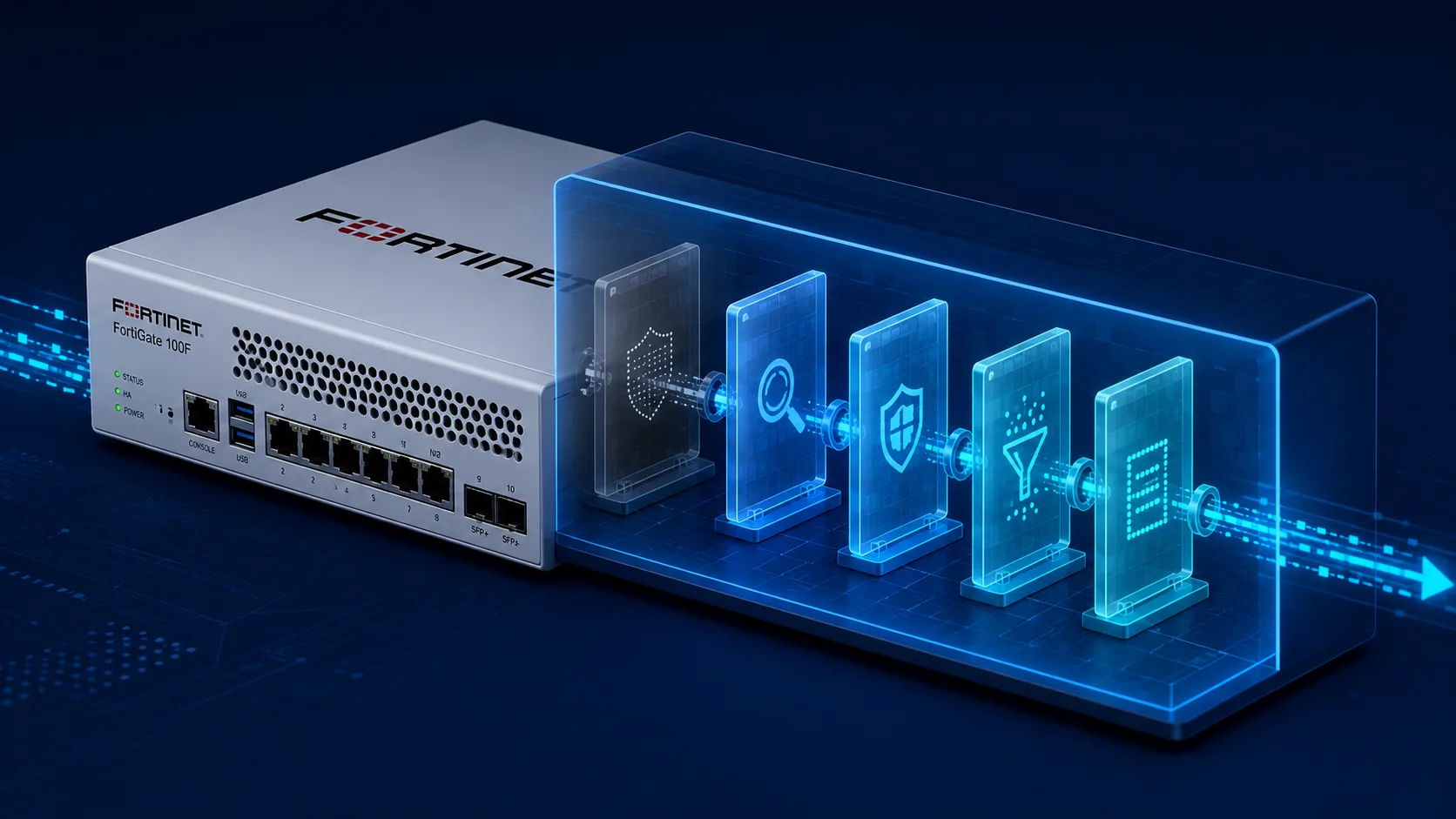
For every policy, it draws the inspection chain as a visual pipeline. Antivirus, IPS, application control, web filter, DNS filter, DLP, and at the entrance to all of them, SSL inspection. If SSL is configured as certificate-only or disabled, every node downstream is rendered with a visibility overlay, because none of those engines can read what they cannot decrypt. You see the blind spot on every rule, at a glance, without having to remember which policies you meant to actually deep inspect.
For every Layer 7 profile actually bound to a rule, it pulls out the configuration the binding alone does not tell you. Default profiles where high-risk categories are set to monitor instead of block. IPS profiles with low-severity signatures disabled and never re-evaluated. Web filter profiles where "Newly Observed Domain" is allowed because somebody clicked through a warning two years ago and nobody undid it. The detail that decides whether the inspection, in practice, is actually inspecting.
For the rules themselves, it surfaces the operational problems frameworks do not measure. Zombie rules, identified from hit-count telemetry over a configurable window. Stale rules. Overly permissive entries flagged by structure. Object groups referenced by active policies but emptied at some point along the way. The same things your senior engineer would surface on a careful manual review, surfaced automatically, on every device, every day.
How to Tell If You Are Buying a Tool or a Report
Connect one FortiGate to whatever platform you are considering. Pick one that has been in production for at least a year, because that is where the interesting findings live. Let it scan once. Then ask the screen three questions.
Does it show me which of my policies are effectively blind to encrypted traffic. Does it tell me which of my rules have not matched a packet in months. Does it surface the rules that are technically compliant and operationally dangerous.
If the answer to all three is yes, you are looking at a FortiGate firewall compliance audit tool that is actually a tool, and not a report generator. That is the bar Retrievy was built to clear, and one device on one afternoon is enough to see the difference.
If the answer to any of the three is no, you are looking at a platform that automates the report. That is useful. It is not the same as a platform that improves the firewall.