Active Directory Security Groups: What Operators Need to Know
Security groups are the primary access-control primitive in Active Directory, and misconfigured membership is one of the most reliable paths to privilege escalation. Here is what operators need to audit right now.

What a Security Group Actually Is (and Is Not)
Active Directory has two group types: security groups and distribution groups. Only security groups carry a Security Identifier (SID) that Windows evaluates during access token construction. Distribution groups are for email routing; they have no effect on access control decisions. Operators sometimes promote a distribution group to a security group without auditing its membership first, which instantly grants every member whatever permissions the group holds.
Groups also have a scope: Domain Local, Global, or Universal. The scope controls which accounts can be members and which resources the group can be assigned to.
- Domain Local groups are evaluated at the resource. They can contain accounts, Global groups, and Universal groups from any domain in the forest. Use them to assign permissions on specific servers or shares.
- Global groups can only contain accounts from the same domain. Use them to represent a job role or department.
- Universal groups can span the entire forest and are cached in the Global Catalog. Overusing them increases replication traffic and expands the blast radius of a compromised account.
The practical pattern that Microsoft documents and most mature environments follow is AGDLP (Accounts placed in Global groups, placed into Domain Local groups, which are assigned Permissions). Deviation from this pattern is not inherently wrong, but it makes membership auditing much harder.
Where Security Groups Fail in Practice
Group membership in Active Directory is not a static artifact. It drifts. The three failure modes operators encounter most often are:
Nested group sprawl. A group inherits the permissions of every group it is nested inside. An account that is a direct member of a help-desk group may also be a transitive member of a server operators group three hops up the nesting chain. Windows Server 2022 has no built-in alert for transitive privilege accumulation; you have to enumerate it deliberately.
Stale membership. When an employee changes roles or leaves, their account is often disabled but not removed from security groups. A disabled account cannot log in interactively, but if it is ever re-enabled (for example, during an offboarding dispute or an IT ticket mistake), it inherits all its former group memberships immediately.
Privileged group over-population. Domain Admins, Schema Admins, Enterprise Admins, and the built-in Administrators group should each have a minimal, documented membership. In practice, many environments accumulate service accounts, legacy admin accounts, and contractor accounts in Domain Admins over years. Each extra member is an additional path to full domain compromise.
MITRE ATT&CK technique T1078.002 (Valid Accounts: Domain Accounts) and T1484.001 (Domain Policy Modification: Group Policy Modification) both rely on abusing existing group memberships rather than creating new ones. Attackers do not need to add themselves to Domain Admins if a service account that is already in Domain Admins has a weak or reused password.
How Group Policy Interacts with Security Groups
Group Policy Objects (GPOs) use security groups in two distinct ways that operators sometimes conflate.
First, GPO Security Filtering controls which accounts or computers a GPO applies to. The default filter is Authenticated Users, which means every domain member. Scoping a GPO to a specific security group is correct practice for targeted configurations, but it creates a dependency: if that group is deleted or emptied, the GPO silently stops applying.
Second, GPOs themselves can grant or restrict rights through User Rights Assignment policies (for example, "Log on as a service" or "Allow log on locally"). These policies reference security groups by SID. If a group is renamed or its scope changed, the SID persists and the policy remains intact, but human-readable audits become confusing because the old name may appear in documentation.
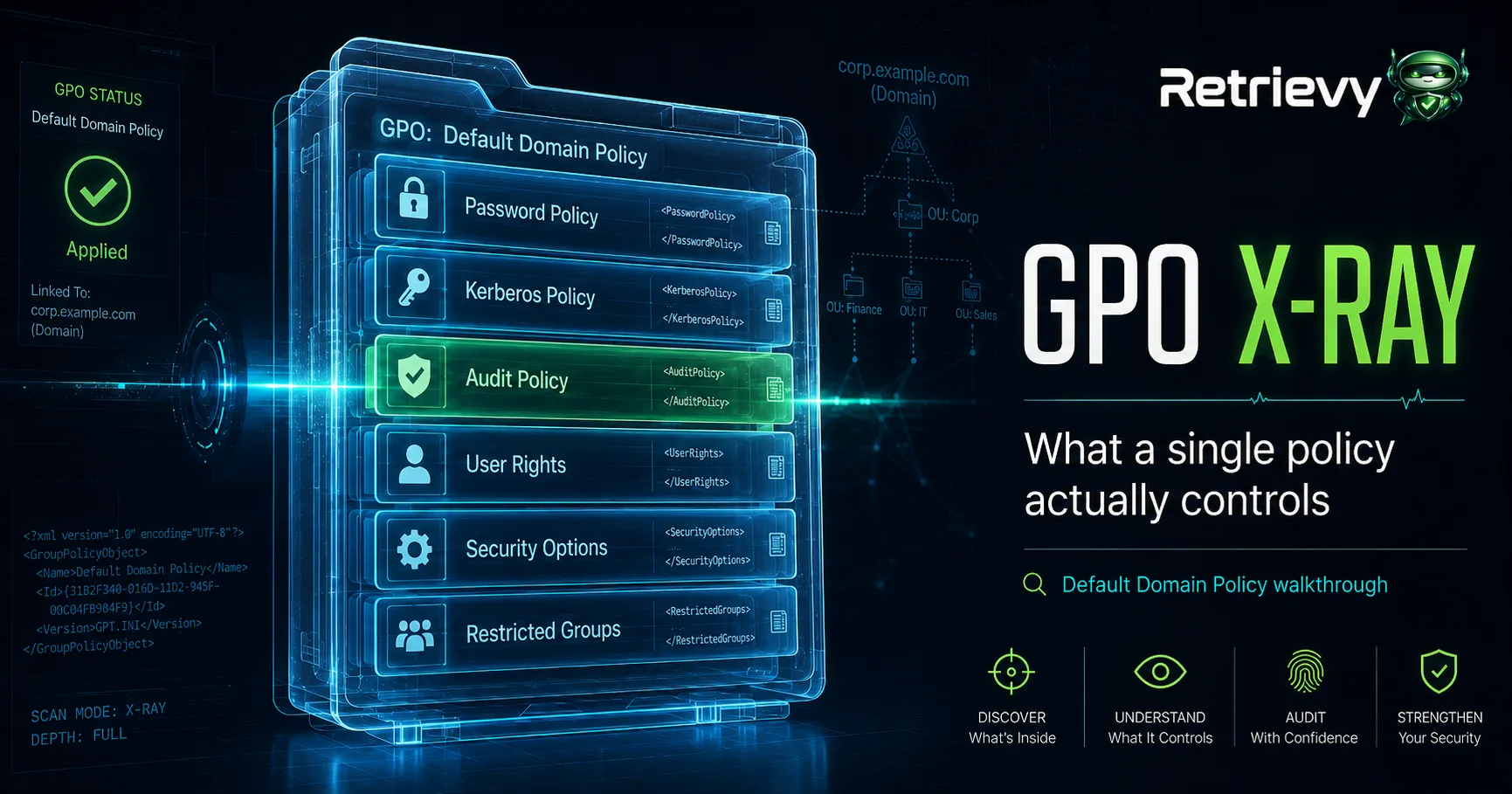
Retrievy's GPO X-Ray surfaces exactly these disconnects: GPO filters that reference empty or stale groups, and User Rights Assignments that reference groups with unexpected membership, without requiring manual GPRESULT parsing across every OU.
Auditing Security Group Membership Right Now
You do not need a commercial tool to start. The following PowerShell one-liner enumerates every member of Domain Admins, including nested group members, and writes the result to a CSV:
Get-ADGroupMember -Identity 'Domain Admins' -Recursive |
  Select-Object Name, SamAccountName, objectClass, distinguishedName |
  Export-Csv -Path C:\audit\domain-admins-recursive.csv -NoTypeInformation
Repeat this for Enterprise Admins, Schema Admins, Administrators, and any custom groups with GenericAll or WriteDACL rights on high-value OUs. Compare the output against your documented baseline. Any account that appears in the output but not in the baseline is a finding.
For stale membership specifically, cross-reference group membership against the LastLogonDate attribute. Accounts that have not authenticated in 90 days and still hold privileged group membership represent a concrete, measurable risk.
One Actionable Next Step
Open Active Directory Users and Computers (or run the PowerShell above) and pull the recursive membership of Domain Admins. Count the members. If the number exceeds the count of people in your organization who genuinely need unrestricted domain control, remove the extras today. Document who remains and why. Repeat this audit on a 30-day schedule. That single habit closes more attack surface than most configuration hardening projects.